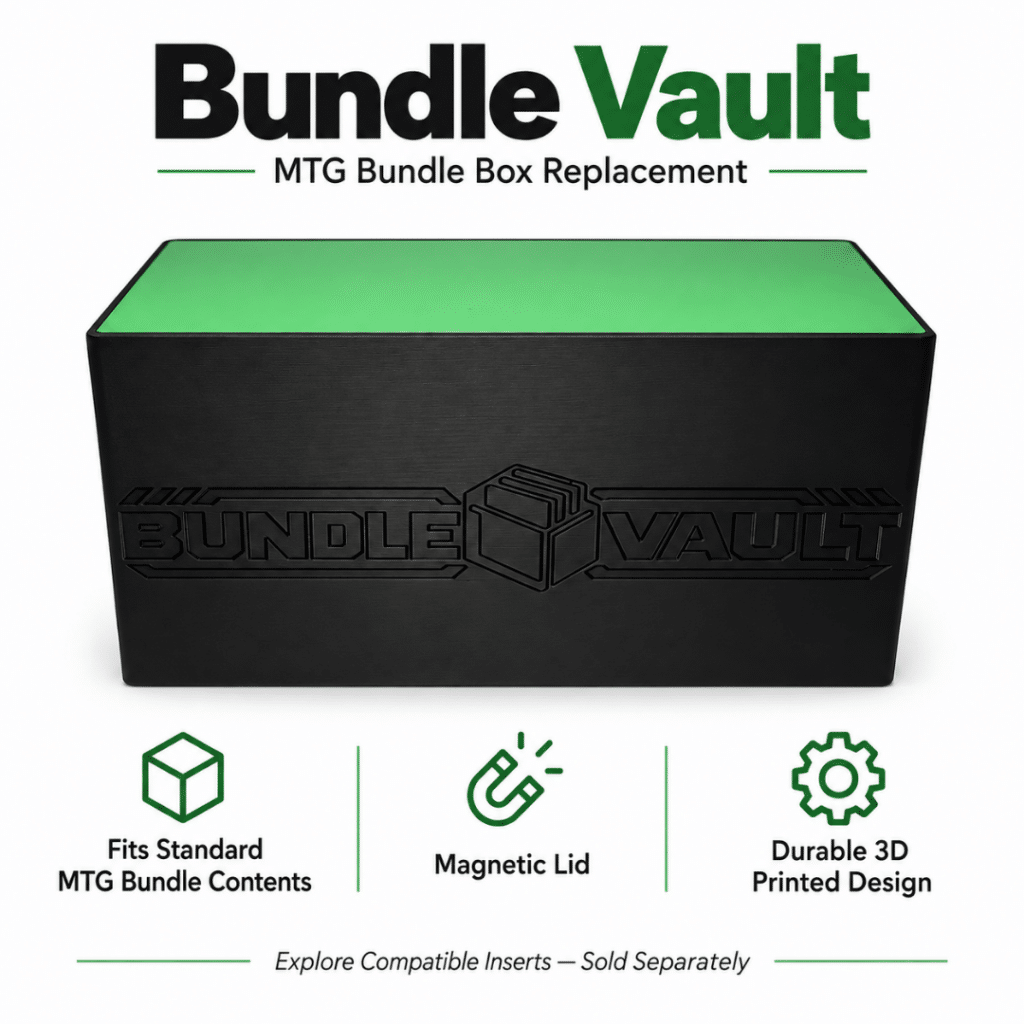
As every Commander player knows, one deck rarely stays one deck for long.
Before you know it, you have five decks. Then ten. Maybe twenty or more. Suddenly your favorite format has turned into stacks of deck boxes, loose tokens, piles of basic lands, and a constant search for the deck you actually wanted to play.
The good news is that a little organization goes a long way. Whether you own a handful of decks or an entire Commander arsenal, these tips can help keep everything protected, easy to identify, and ready for game night.
1. Give Every Deck a Permanent Home
One of the easiest ways to stay organized is to make sure every deck has its own dedicated home.
Constantly moving decks between random boxes increases wear on your sleeves, makes decks harder to find, and makes it easier for cards or tokens to get misplaced. Assigning every deck its own box creates a simple routine: play the deck, pack it back into the same box, and return it to the same place.
2. Make Every Deck Instantly Recognizable
Opening several identical deck boxes just to find the deck you want gets old quickly. A good organization system should let you identify a deck before opening it. That could mean using different colors, adding a label, displaying the commander, or assigning each deck its own symbol.
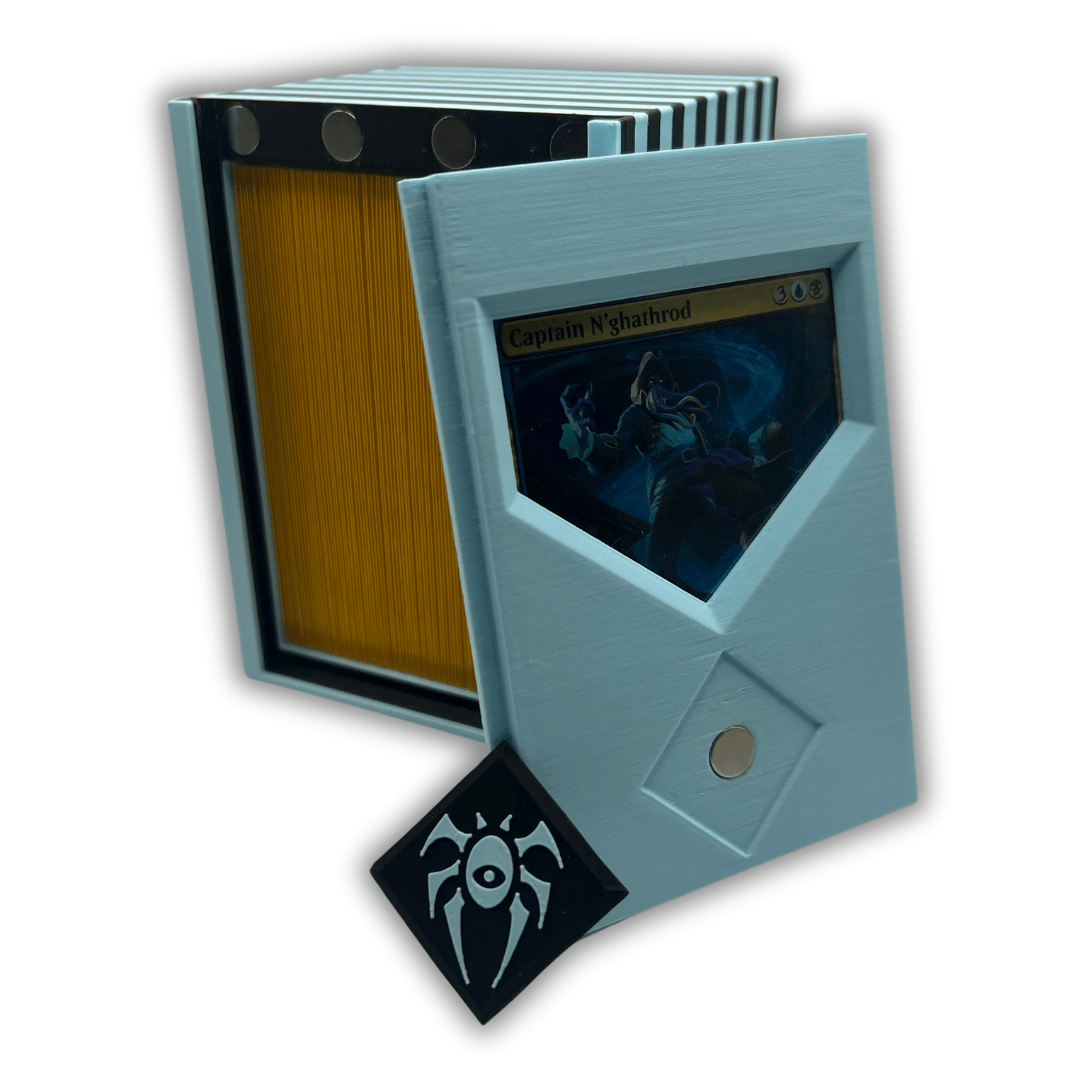
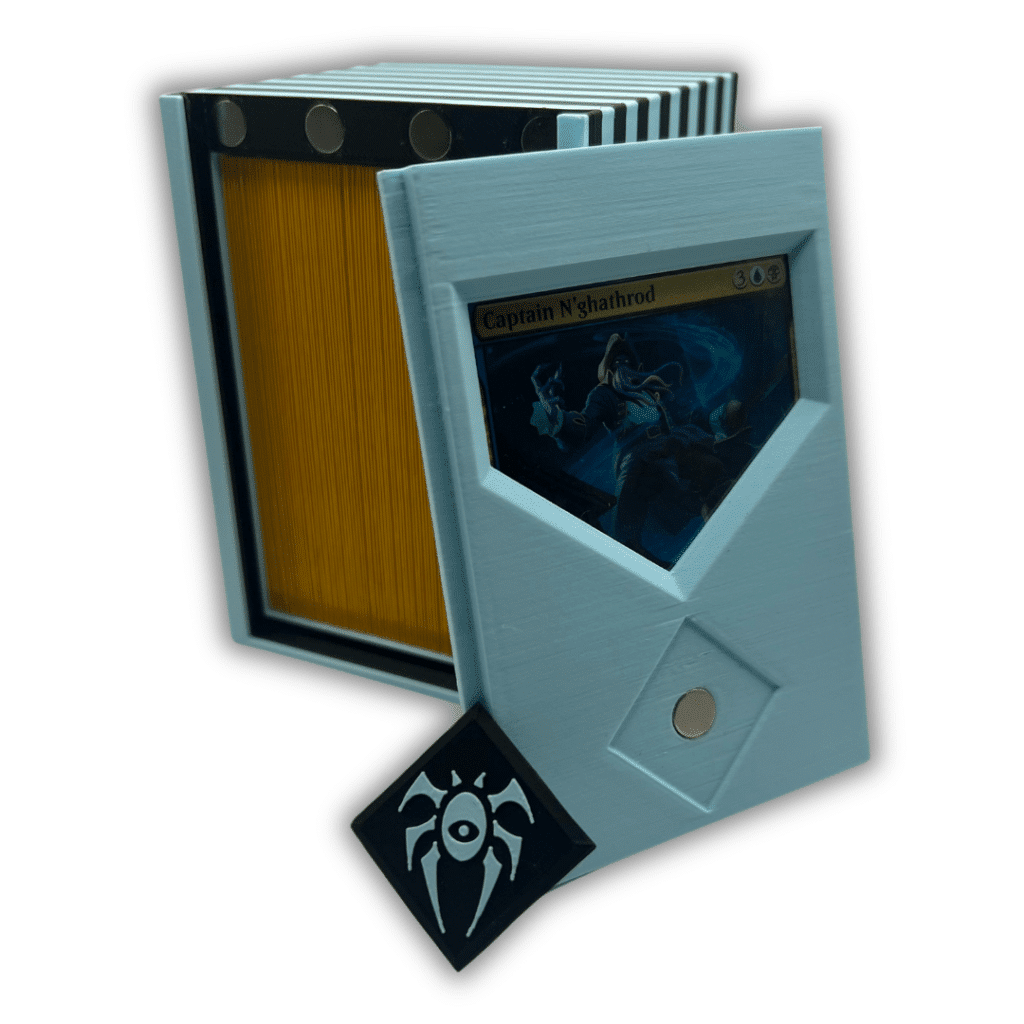
The CommandView Badged Commander Deck Box was designed around that exact problem. A clear front window displays your commander, while the removable magnetic emblem gives the box another easy-to-see identifier. If you rebuild the deck or reuse the box later, the emblem can be swapped without replacing the entire deck box.
Players who keep their commander in a protective top loader can use the CommandView Top Loader or CommandView Elite. These larger versions provide room for double-sleeved decks and can also accommodate tokens, depending on how many the deck uses. For a simpler, more compact setup, the Command Chamber uses a front display window and magnetic lid to keep the deck visible, secure, and ready to play.
3. Keep Each Deck’s Tokens Together
Nothing slows down a game like digging through a pile of miscellaneous tokens trying to find the one your deck actually needs. Treasure, Food, Clues, Goblins, Zombies, Spirits, and Copy tokens are much easier to manage when they stay with the decks that use them.
Some deck boxes have enough extra space to keep a small token package beside the deck. The larger CommandView Elite and Top Loader designs are especially useful for players who double-sleeve their cards or need additional room for tokens.
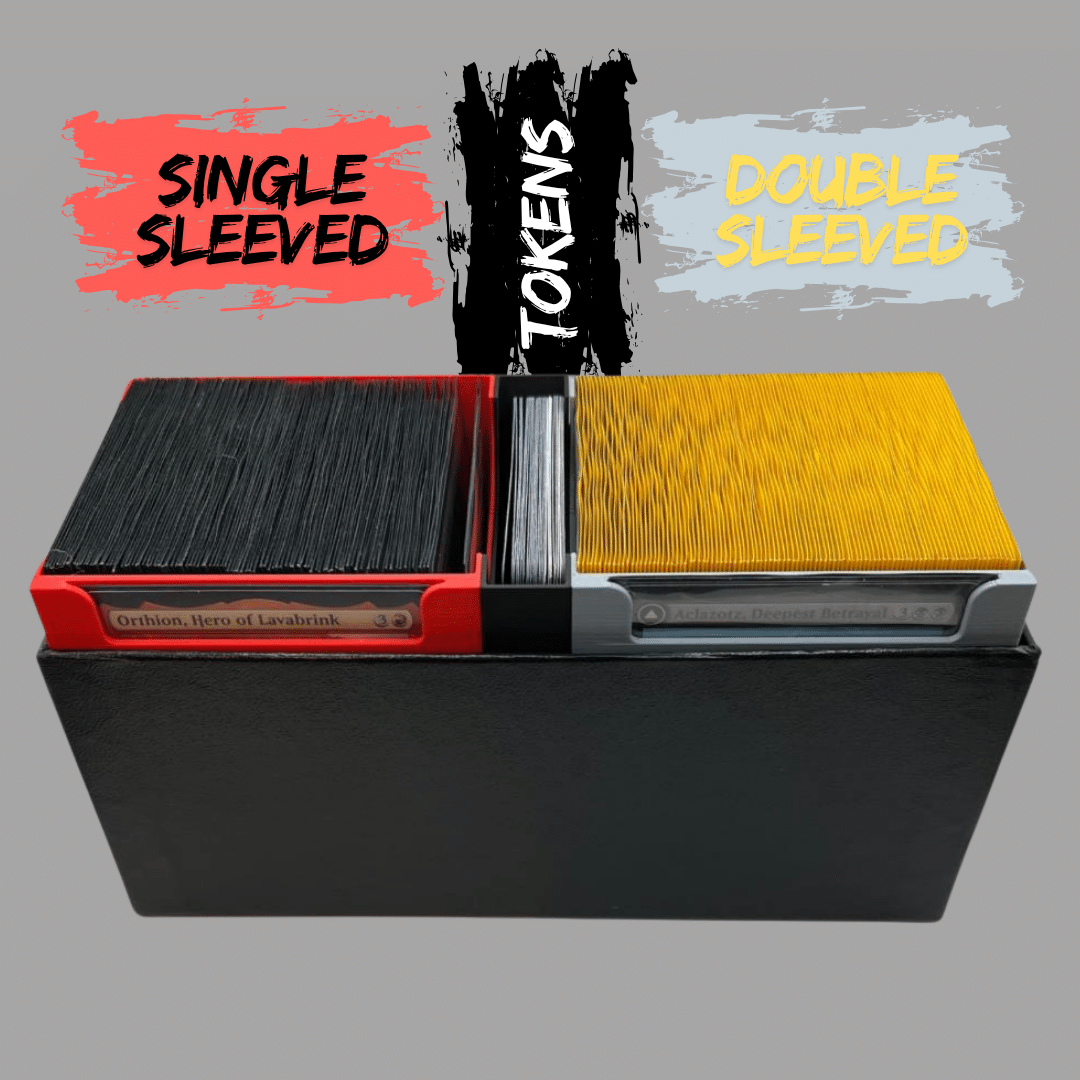
For decks with larger token packages—or for players who prefer keeping tokens separate—the MTG Commander Deck & Token Containers fit inside a standard MTG Bundle Box. The three-piece set provides storage for two sleeved or double-sleeved Commander decks along with a dedicated token container, making it easy to grab everything needed for game night in one package.
4. Keep a Useful Selection of Basic Lands Nearby
Every Commander player eventually ends up with hundreds—sometimes thousands—of basic lands. A large storage box works well for the full collection, but it is not always convenient when you just want to build or adjust a deck quickly.
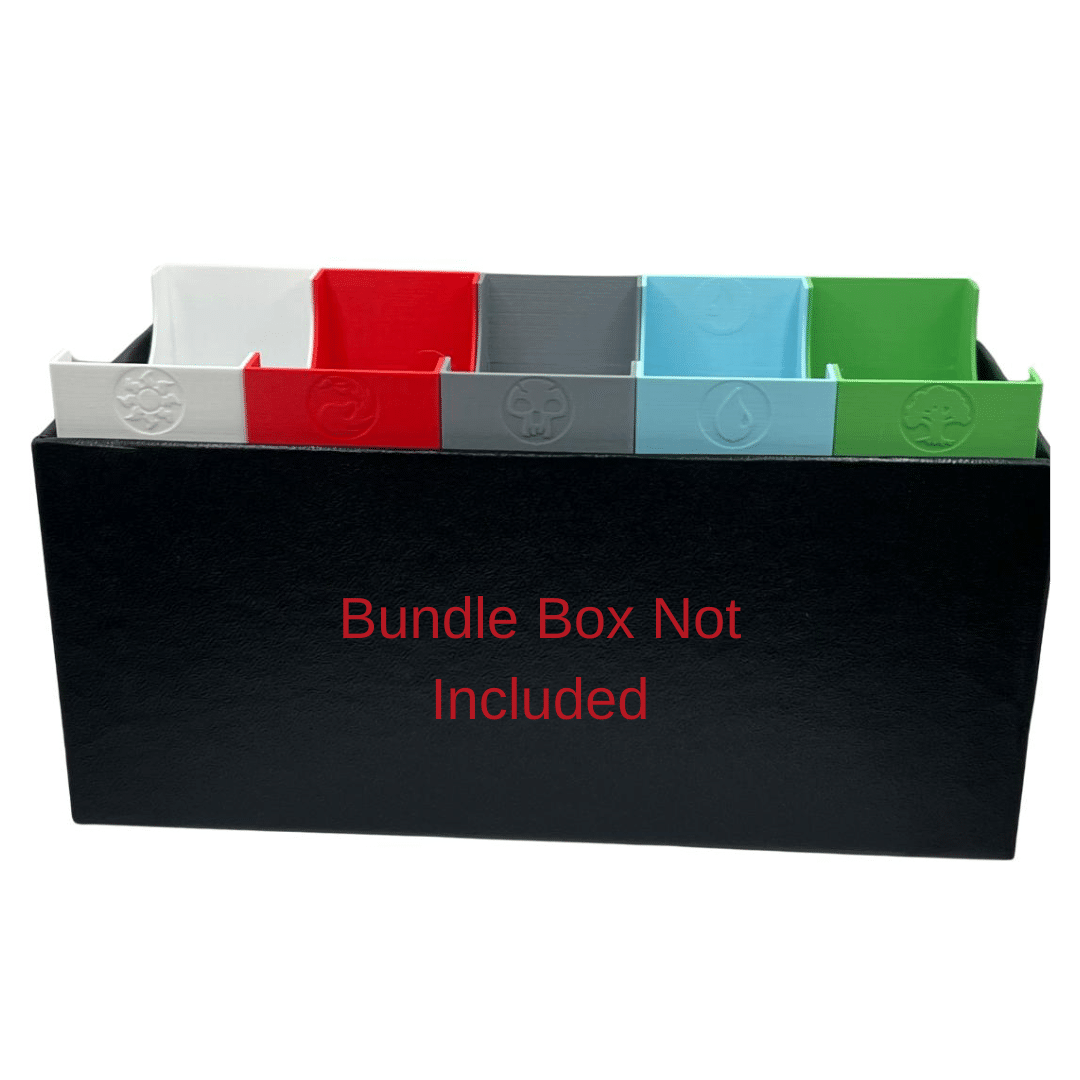
The MTG Basic Land Sorting Containers turn a standard Bundle Box into a smaller working collection. The five removable bins keep each basic land type separated, giving you quick access to enough lands for casual deck building without pulling out your entire collection.
This setup is also useful for Draft, Sealed, or Cube nights. Instead of placing a large mixed box of lands on the table, you can keep a clean selection of community lands sorted and available for everyone throughout the event.
5. Make Better Use of Bundle Boxes
Many Magic players already have several Bundle Boxes sitting on a shelf. They are sturdy, portable, and surprisingly useful, but they often become catch-all containers filled with loose cards, dice, sleeves, and unfinished decks.
Giving each Bundle Box a specific job makes the collection easier to manage. One might hold Commander decks and tokens, another can serve as the quick-access land box, and another can be reserved for Draft or Cube supplies.
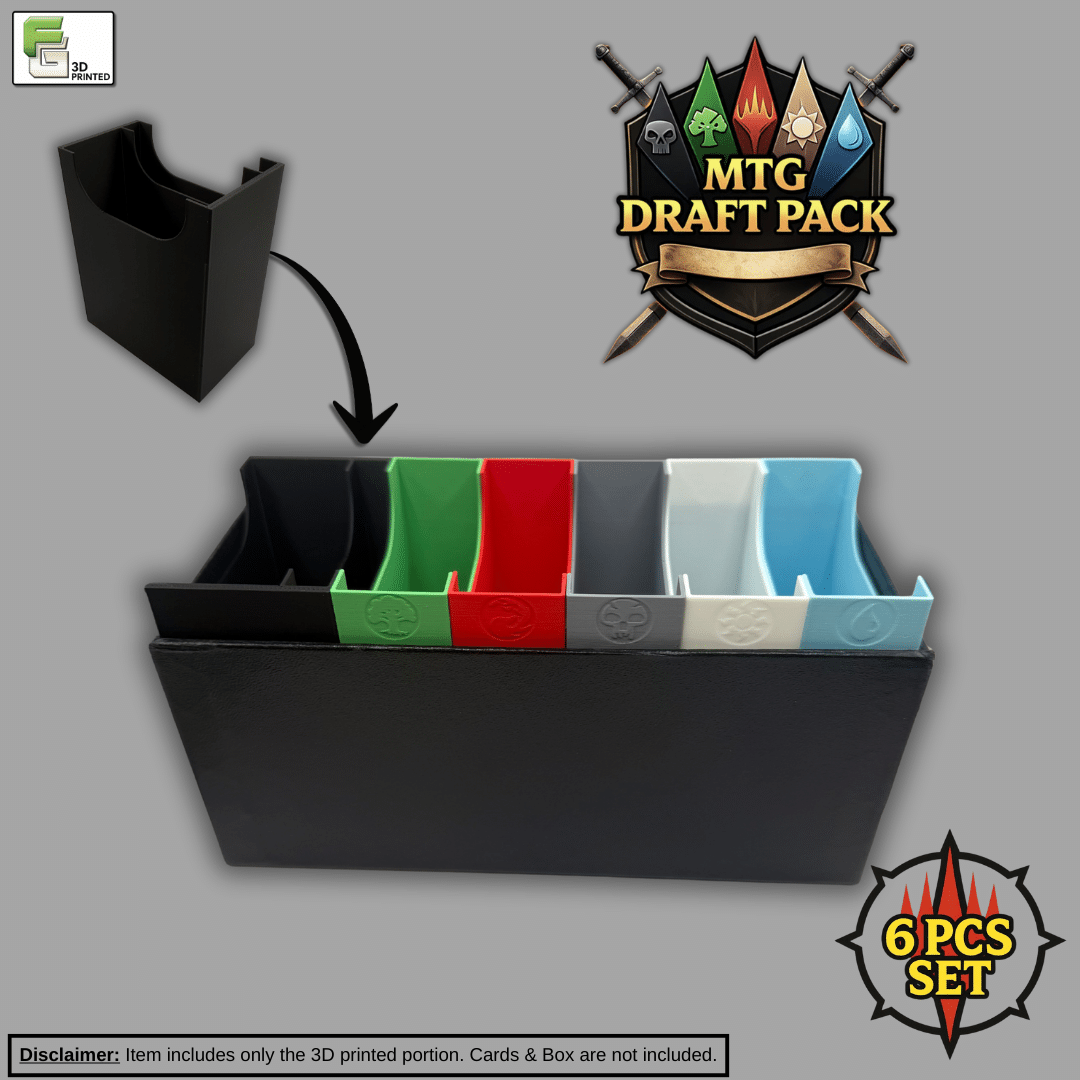
The MTG Draft Organizer is a six-piece insert set designed to organize shared basic lands and personal draft decks during Draft, Sealed, and Cube nights. It turns a standard Bundle Box into a compact event organizer instead of another container of loose cards.
6. Review Your Collection Occasionally
Commander collections naturally evolve. Decks get upgraded, some get retired, and others become favorites. Every few months, take a little time to reorganize your collection, replace worn sleeves, update labels or badges, and confirm that each deck still has the tokens and accessories it needs.
A quick seasonal cleanup prevents your organization system from slowly turning back into a pile.
A Smarter Way to View and Share Deck Information
Physical organization makes decks easier to identify and transport, but NFC badges can connect that physical deck box to its digital deck list. A compatible phone can tap the badge to open the list, making it easy to remember exactly what is in the deck or share it with friends before a game.
That feature deserves a closer look, so I will cover how the CommandView NFC Emblem Accents work—and how they can help with deck selection and Rule 0 conversations—in a separate post.
Have a 3D Printer? Print Some Designs Yourself
If you enjoy 3D printing, I have made a growing collection of organizers, deck accessories, storage solutions, and other tabletop projects available on MakerWorld.
Some designs are available both as printable files and as finished products from Ficking Games. Others are only available on MakerWorld, while some products in the Ficking Games shop are not currently offered as downloadable models. The two collections overlap, but they are not identical.
Whether you enjoy printing your own accessories or prefer products that arrive ready to use, the goal is the same: spend less time searching through your collection and more time building decks and playing games.
Final Thoughts
Organizing your Commander collection does not require expensive furniture or a complicated storage system. It starts with giving every deck and accessory a predictable home.
A dedicated deck box, a clear way to identify each deck, nearby token storage, a smaller working selection of basic lands, and purpose-built Bundle Boxes can remove a surprising amount of friction from game night.
The best system is the one that is easy enough to maintain. Set it up once, adjust it as your collection changes, and spend the time you save actually playing Commander.